Profile and content
Edit status, bio, languages, pronouns, and social links; browse created worlds, avatars, and favorite worlds.

Free and open source
VRCM is a cross-platform VRChat companion focused on social connection and convenience. It goes beyond showing who is online: explore your social circles, remember time spent together, and move smoothly from shared links to worlds, interactions, and real-world meetups.


Shortcuts
Get from a shared link to the right page in a tap, and from there straight into the game.
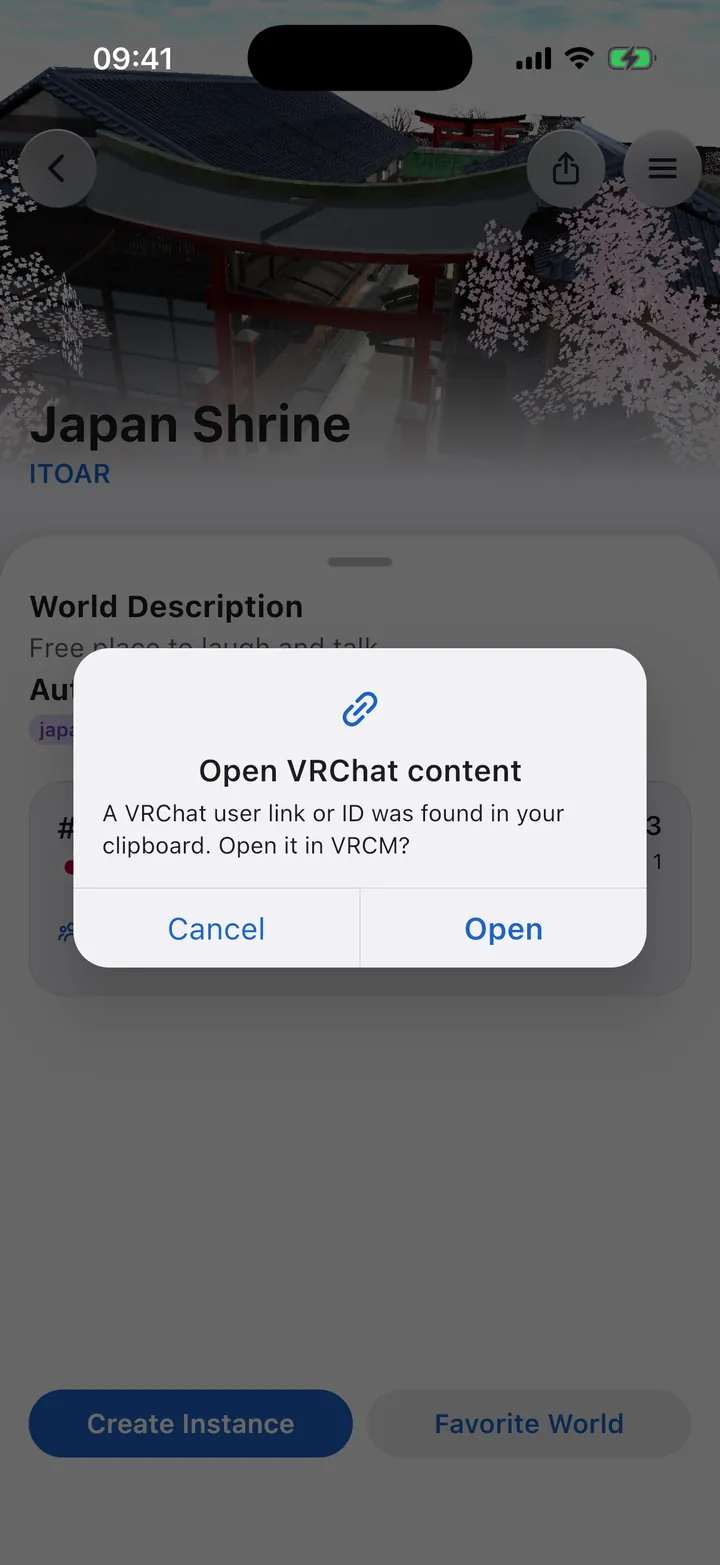
Copy a VRChat user, world, group, or avatar URL/ID, return to VRCM, confirm, and jump directly to it.
Android can open supported vrchat.com links in VRCM. On Android 12 and later, first check vrchat.com and www.vrchat.com under VRCM’s app info → Open by default → Add link; otherwise these links keep opening in the browser.
Share public profile links through the Android/iOS share sheet; Desktop falls back to copying the URL.
Inspect a friend’s instance, invite yourself, send several kinds of Boop, and handle friend requests or invitations.
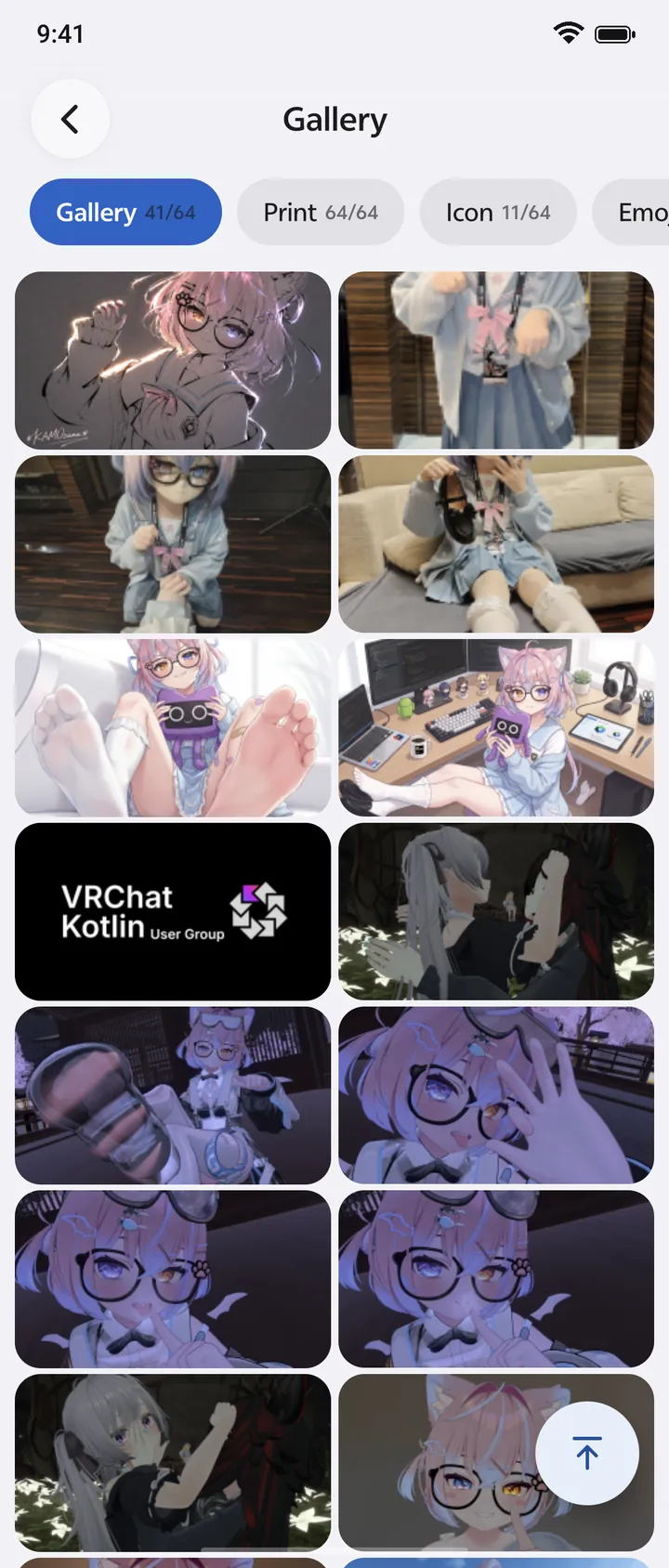
Gallery
Photos travel both ways: from your camera roll into VRChat, and from VRChat back to your phone.
Select an image from your phone and upload it to VRChat+ Gallery; crop and preview Prints before uploading.
Save photos taken in-game and synced to Gallery into the system photo library, ready to share through your gallery or messaging apps.
Open a Gallery or Print image and send the original image through the native Android/iOS share sheet; sharing does not write another copy to the photo library.
Browse, zoom, download, and batch-delete Gallery content. Non-VRC+ users can still view Prints.
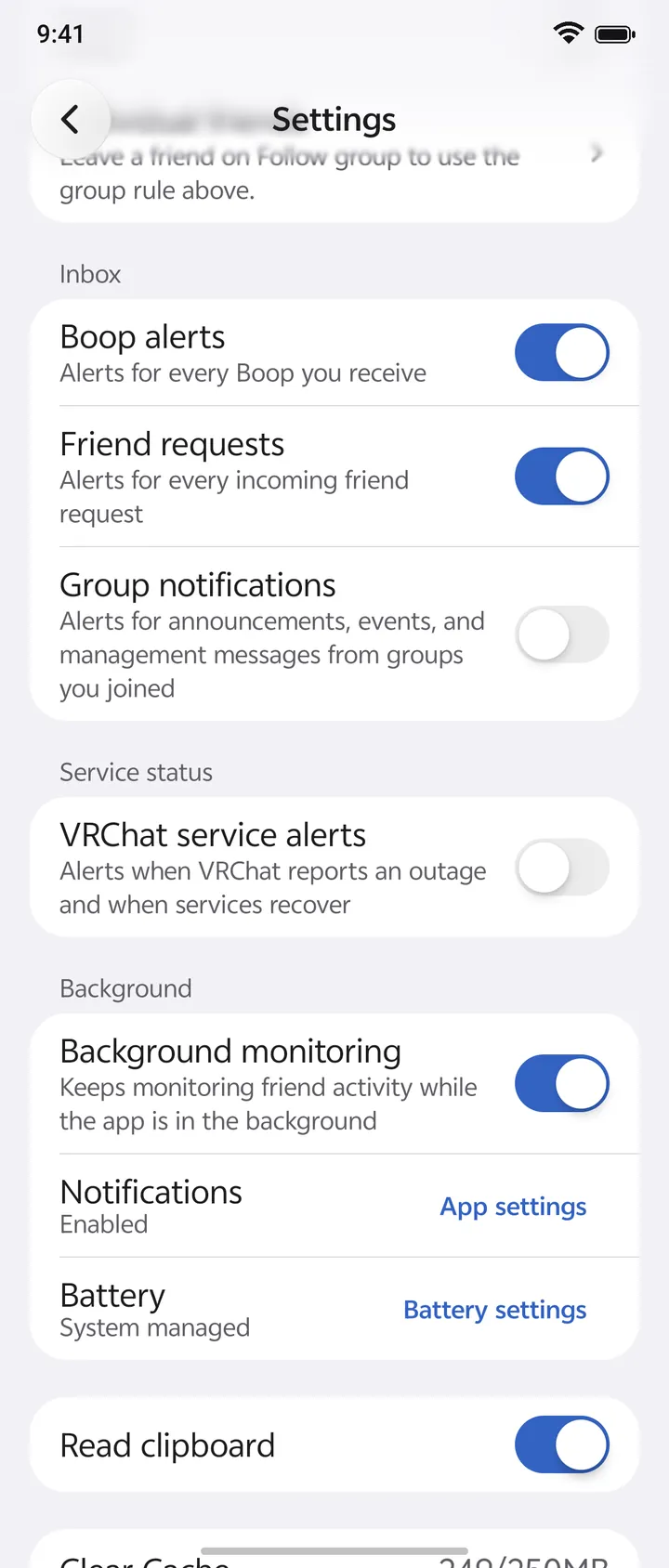
Android alerts
Hear about the friends and events you care about, even when VRCM is in the background.
Filter online/offline alerts by favorite group with allow/deny modes and per-friend overrides.
Receive Boop, friend-request, group event, and VRChat service-status alerts.
Keep optional background monitoring active and jump to notification or battery-management settings when needed.
Review and act on events from the dedicated in-app notification center.
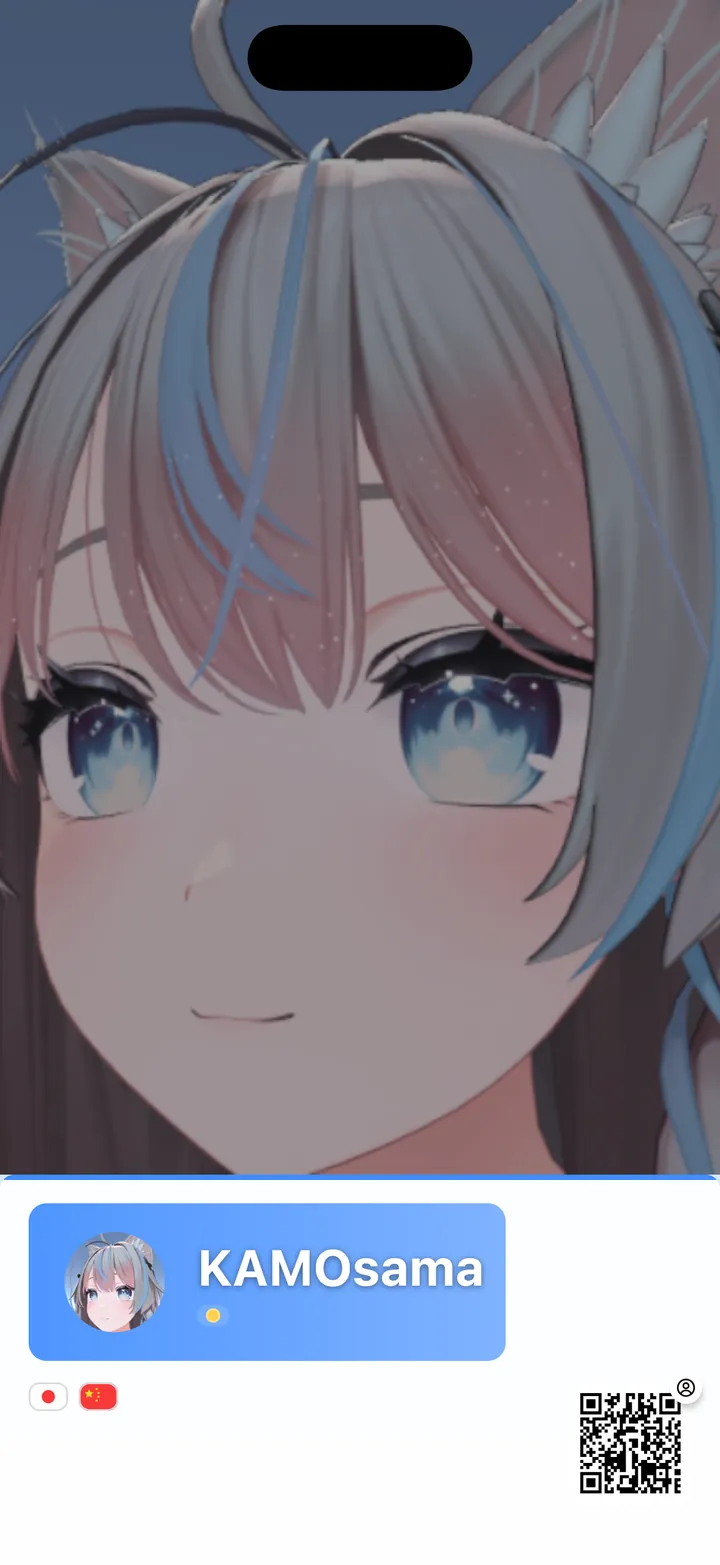
Meetups
Hold up your phone at an in-person meetup and let new friends find you in VRChat.
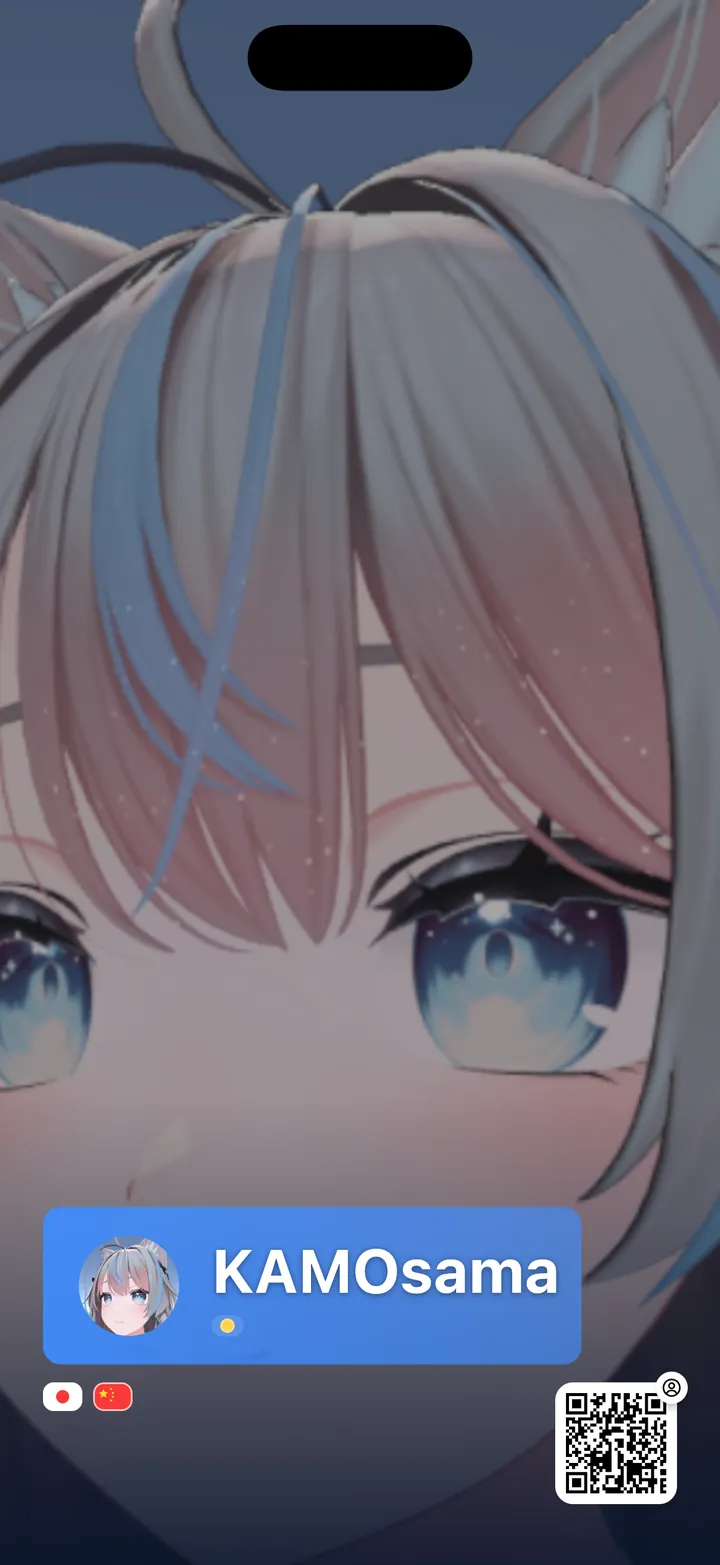
Long-press your avatar on Home to open a full-screen card designed to be held up at an in-person meetup.
Choose Info Bar, Spotlight, or Side Tag templates with independent portrait and landscape layouts.
Use your profile background, a local photo, or VRChat Gallery, and include status, languages, group identity, and profile effects.
Add up to four QR codes for your VRChat profile and profile social links, then save the card to the system gallery.
Appearance
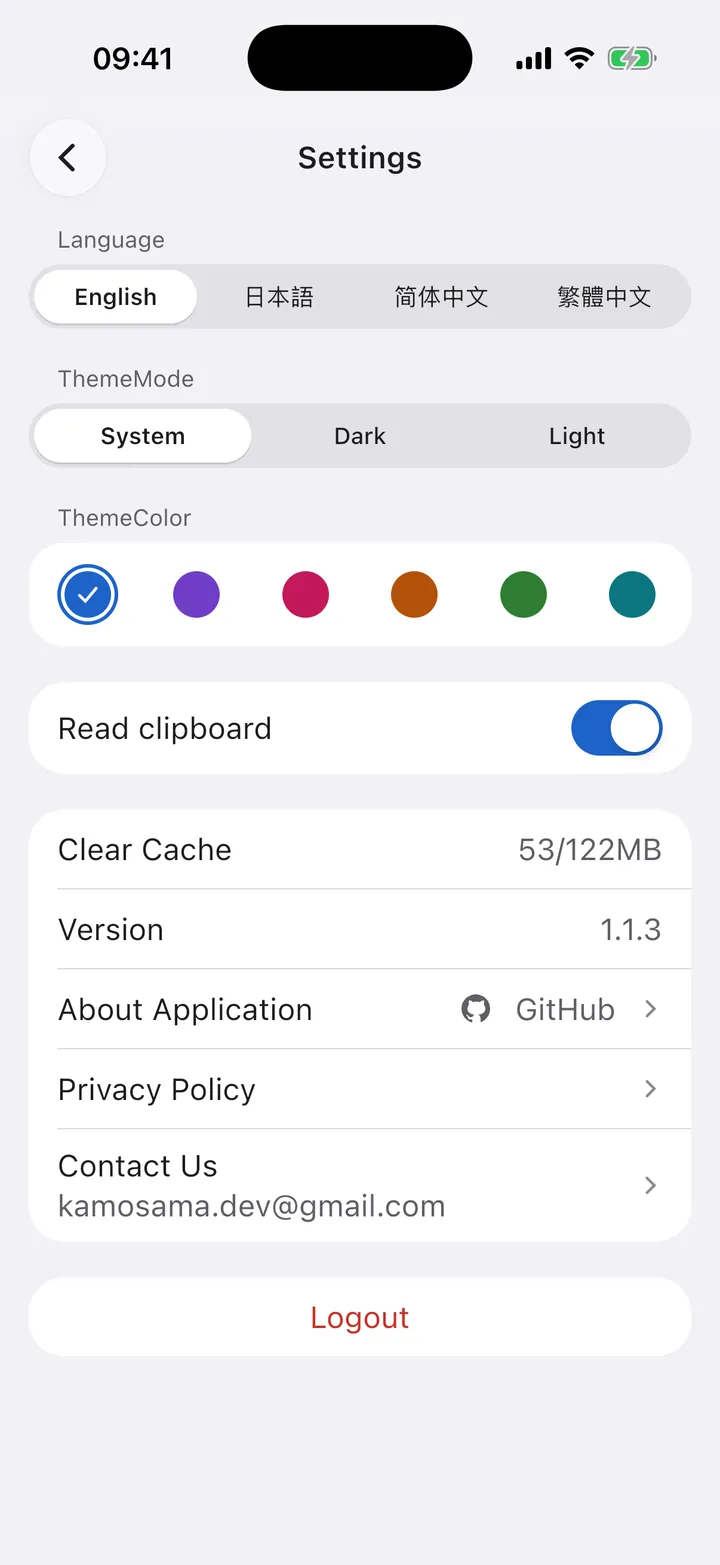
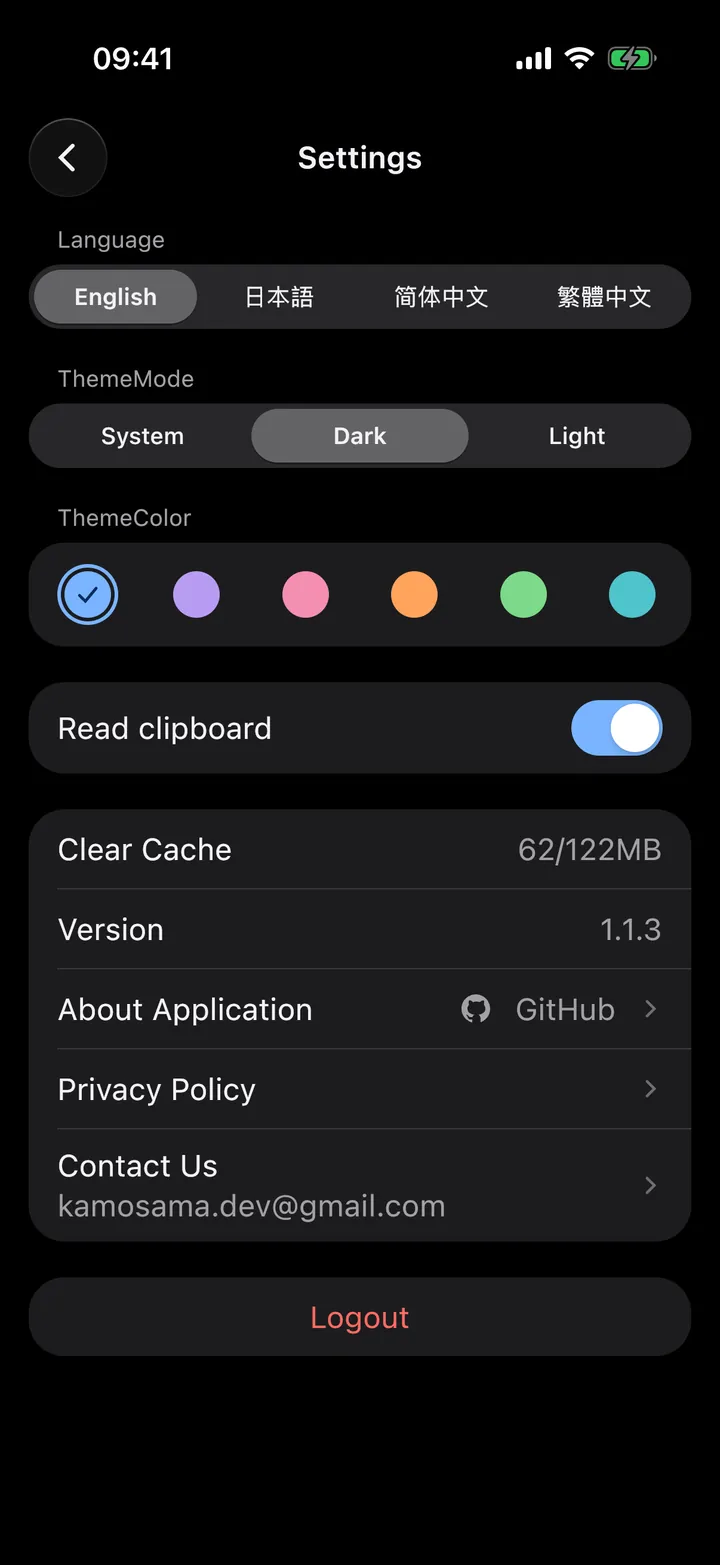
Follow the system or pick light or dark, choose one of six accent colors, and switch the interface language on the spot. The same controls below restyle this page.
Edit status, bio, languages, pronouns, and social links; browse created worlds, avatars, and favorite worlds.
Search worlds and groups; inspect instances, recently visited worlds, group posts, members, galleries, and group instances.
View avatar details, switch or copy available avatars, and edit the name, description, and cover of avatars you uploaded.
Multiple accounts, email/2FA authentication, four UI languages, themes, shared transitions, and adaptive widescreen layouts.
Download
Free and open source. Every build is published on GitHub Releases.
Includes native alerts, background friend monitoring, and VRChat web-link handling.
Requires self-signing; Android background system alerts are not available.
Native Windows, macOS, and Linux packages; sharing falls back to copying links.
VRCM is open source under the MIT License. Code contributions, bug reports, and feature proposals are welcome.
Social graph
Social graph and shared history
See how your circles connect, look back on what friends have been up to, and keep the time you spend together.
Friend network
Build community and ego-centered views from mutual-friend relationships, inspect connections, zoom, refresh, and reuse locally cached graph data.
Friend activity history
Revisit online/offline events, world changes, status updates, and bio changes from a profile.
Time together
See when you last met, how often you met, and how long you played together.
Mutual context
Discover mutual friends and mutual groups without leaving the profile flow.
Activity and time-together data cover only what VRCM observed while running. Android can continue observing in the background when background monitoring is enabled. This is not a complete VRChat account history.